AI room design before and after
How to read an AI room design before and after.
A dramatic after image is easy. A useful one survives comparison with the real doors, windows, walking routes and furniture scale.
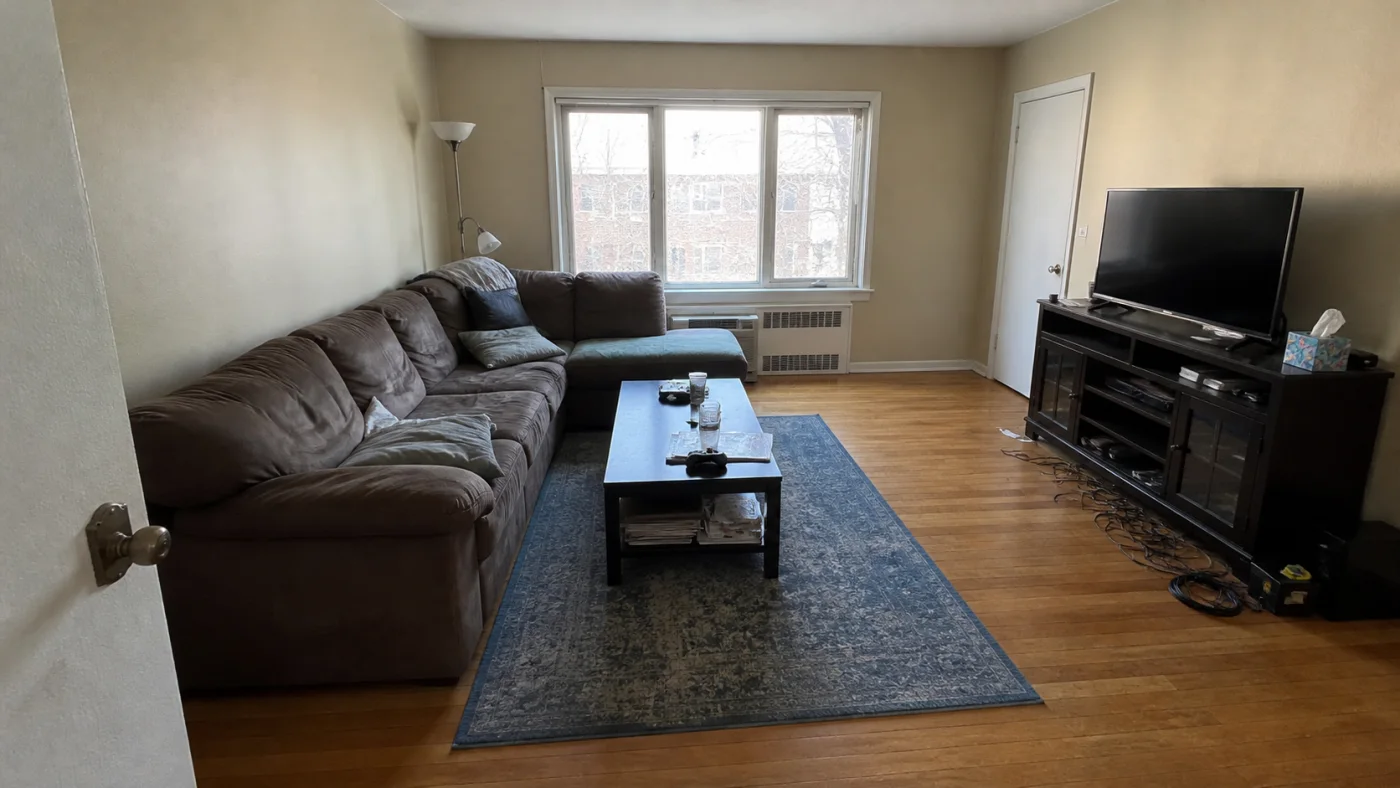
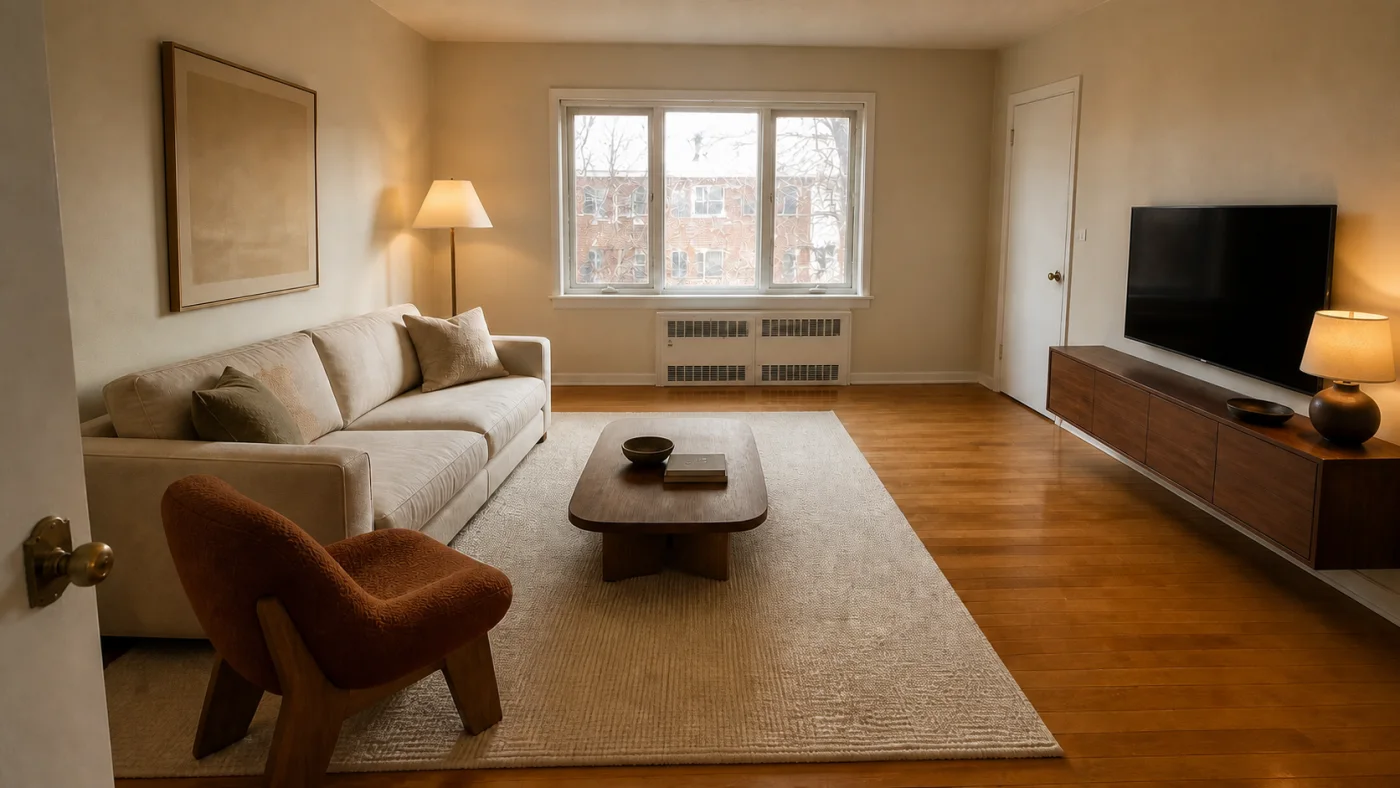
Compare constraints before decoration
Look first at fixed architecture and circulation. Confirm that windows, doors, radiators and built-ins still exist, door swings work, and the proposed furniture does not block the route through the room.
- Architecture and viewpoint
- Door swings and continuous walking paths
- Furniture scale and clearances
Then judge the design direction
Once the room still functions, compare the balance of light and dark, the relationship between materials and the number of competing focal points. The image should help you articulate decisions, not pressure you to reproduce every pixel.
- Identify the two changes doing most of the work
- Replace generated objects with measured real products
- Keep the original photo beside the concept
Check the concept before making a decision
Use the free room-design checklist to record which features survived the redesign, flag layout mistakes and download a review. It works with a concept from any AI tool and needs no account or credits.
From photograph to room design
- Upload a clear photo of the room.
- Choose a design style.
- Download the completed design from your account.
AI room design before and after FAQ
Are Interizo before-and-after images guaranteed outcomes?
No. They are generated visual concepts and representative examples, not promises of a built result.
What is the first thing to check?
Check that doors, windows and walking paths still work before evaluating style.
Can I download my comparison?
You can download the completed generated design and keep the source photo in your private account history.