AI interior designer from one photograph
Redesign your room from a photo with AI.
Upload a room photo, choose a style, and create a downloadable redesign with new furniture, colours, materials and lighting, using your existing room as the starting point.
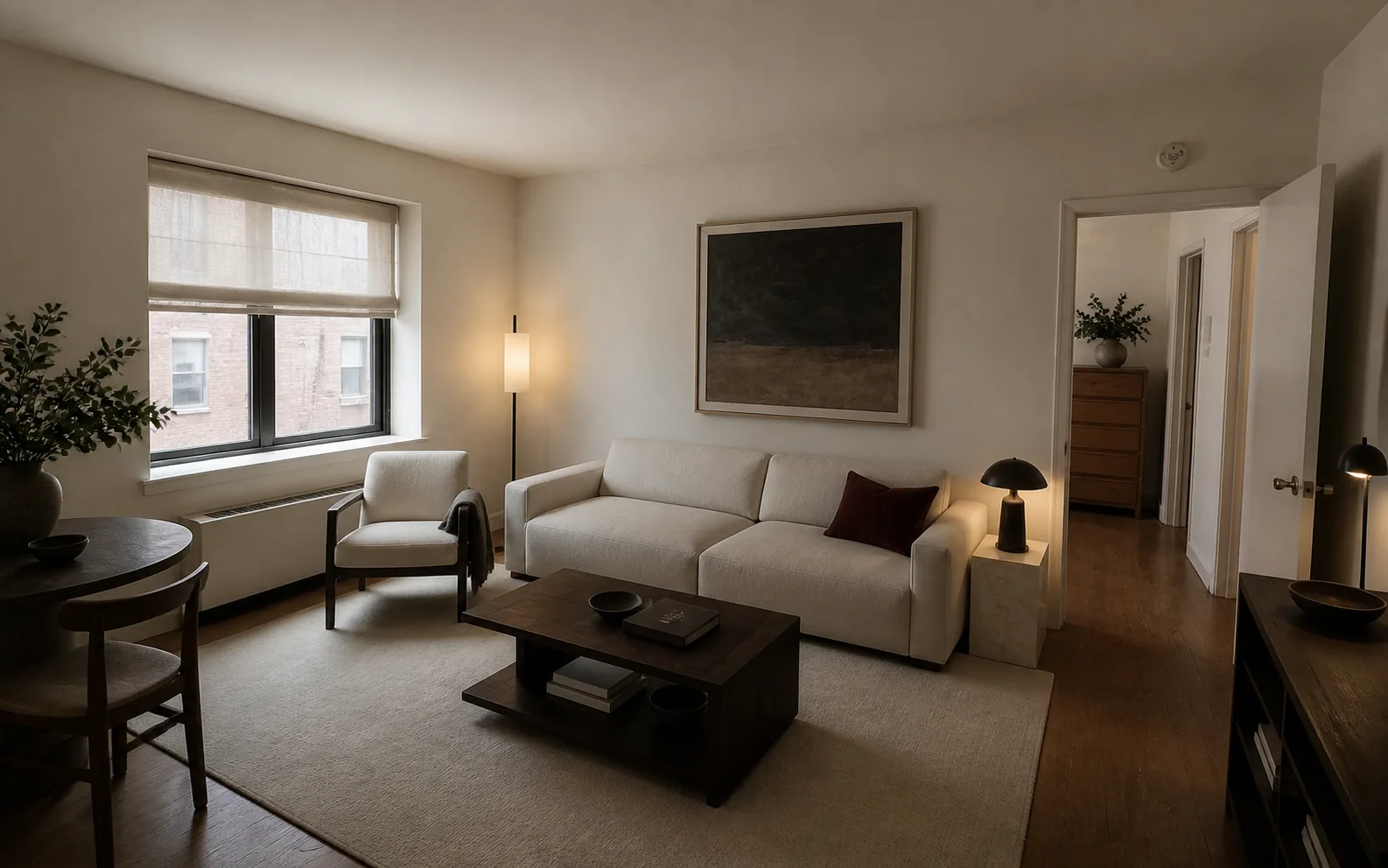
AI interior design grounded in a real room
Interizo starts with a photograph instead of a blank canvas. It aims to keep the camera position and fixed architecture recognizable while changing furniture, colour, lighting and decoration.
Use it to compare a direction before you order furniture, repaint a wall or commit to a room makeover.
- One photo and no floor-plan software
- Full-quality downloadable redesigns
- Your room photo and selected style guide every concept
Designed for decisions, not fantasy rooms
A useful room concept should still belong to your home. Interizo concentrates on believable scale, coherent materials and the parts of an interior that can realistically change.
- Compare walls, windows and doors with the original photo
- Check that the viewpoint and furniture scale still make sense
- Generated concepts are inspiration, not construction drawings
From photograph to room design
- Upload a clear photo of the room.
- Choose a design style.
- Download the completed design from your account.
Room design guides for the decisions ahead.
AI interior designer from one photograph FAQ
What is an AI interior designer?
An AI interior designer turns a room photo into a visual interior concept. Interizo uses your actual photograph and selected style as the starting point.
Will Interizo keep the structure of my room?
Interizo is instructed to retain the camera view, walls, windows, doors and other fixed architecture. Generative images can still contain small inaccuracies, so check important details before buying anything.
How much does one room design cost?
One credit creates one full-quality room redesign. Credit packs are one-time purchases and start at $4.99 for five designs.
Which room styles can I try?
Choose from styles including Modern, Scandinavian, Minimalist and Mid-century modern. Open More styles in the studio for additional options such as Japandi, Coastal and Mediterranean.
What kind of room photo should I upload?
Use a clear JPEG, PNG or WebP photo under 20 MB. Photograph the room from a corner or doorway in daylight, with the main walls, windows and doors visible. Both portrait and landscape photos work. Convert HEIC photos to JPEG before uploading.
How do I check whether an AI room design is usable?
Compare the result with your original photo: check fixed features, doorways, walking space and furniture scale. The free room design quality checker walks you through 20 visual checks without an account. Measure your actual room before buying furniture; the generated image is a concept, not a measured plan.