Find furniture from a room photo
How to find furniture from a photo.
Start by deciding whether you want to identify a real item or find something similar to an AI concept. Image search can help with the first; a clear description, measurements and style-based suggestions help with the second.
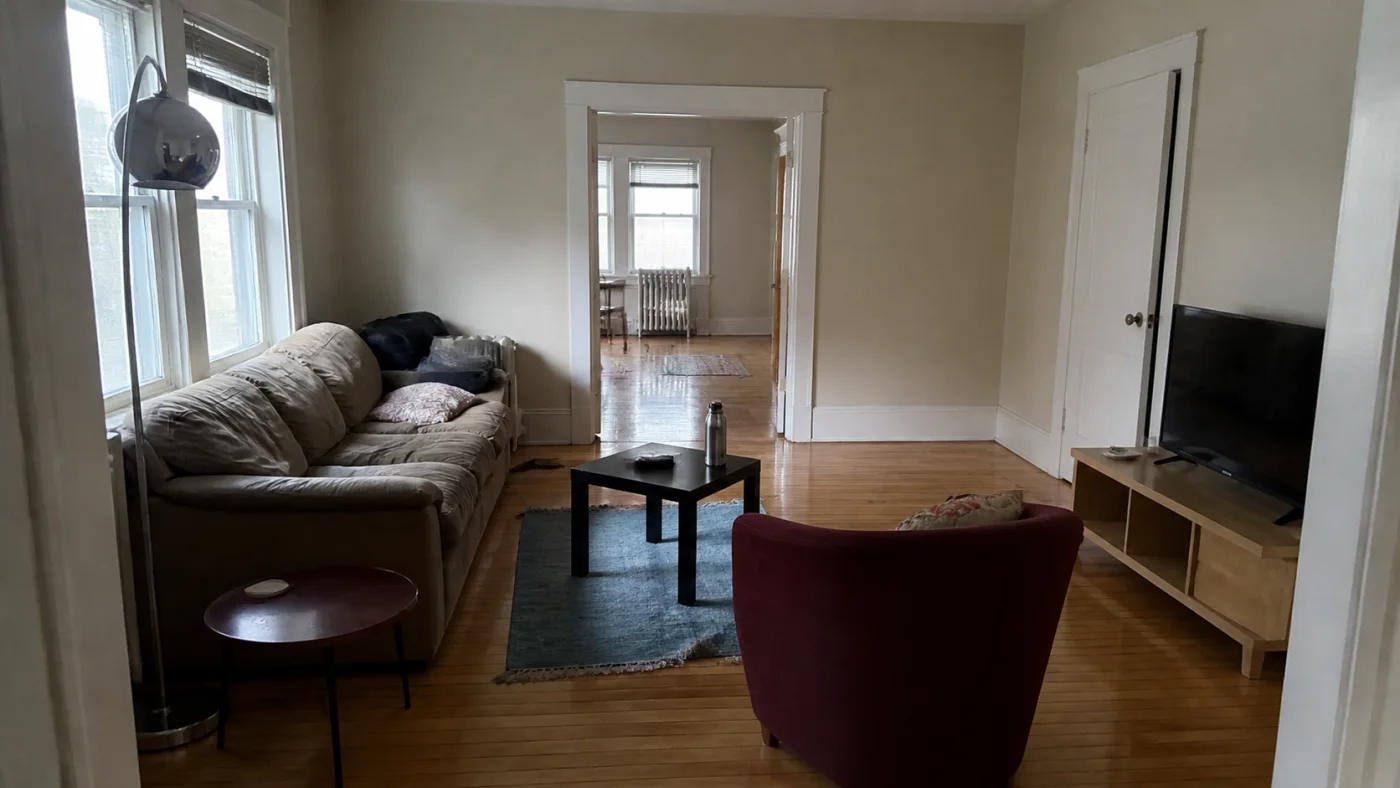
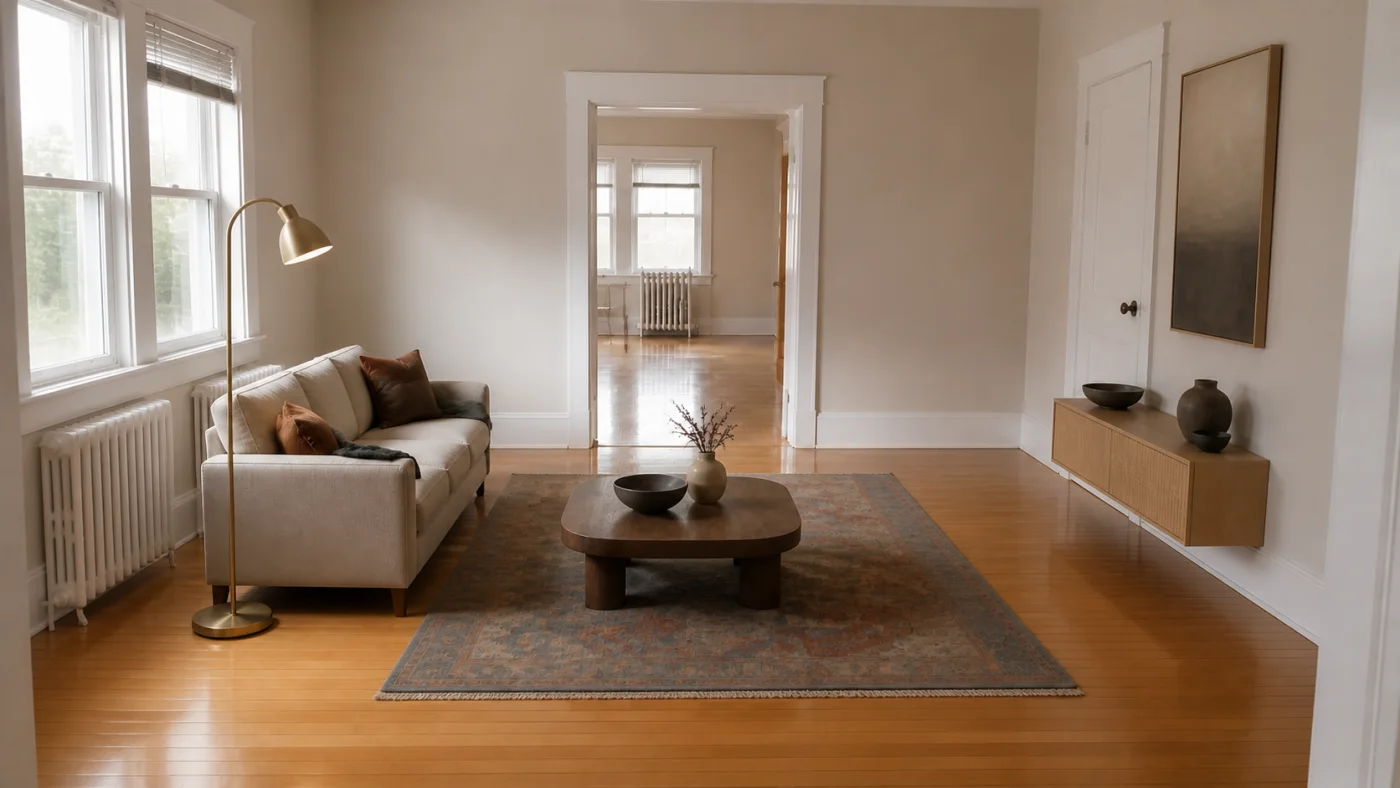
Search for the item inside the room photo
If the photograph shows real furniture, start with a focused image of the piece you want. A whole room contains competing objects; a closer view of the sofa, lamp or chair makes the subject clearer. Keep distinctive details visible, such as the arm shape, leg design, shade or drawer handles.
On Google, use the image-search control to upload the image. In Chrome, you can also right-click a website image and choose Search with Google Lens. Results may include similar objects and pages containing related images; treat each result as a lead to check.
- Use the clearest original image available
- Focus on one furniture item at a time
- Keep a copy of the full room for context
Add the details that make the furniture distinctive
When a visual search returns loosely related pieces, describe what you can actually see. Combine the furniture category with its shape, material and construction. For example, “three-seat cream sofa timber legs rounded arms” is a more useful starting description than “nice sofa”.
Avoid guessing a brand from appearance alone. Save plausible candidates, then look for the combination of details that distinguishes the original: seam positions, leg attachment, cushion count, handle shape or the proportions of a frame. If you own the item, check the underside or back for a manufacturer label.
- Category: sofa, sideboard, chair, table or lamp
- Shape: rounded arms, tapered legs, oval top
- Materials: visible timber, metal, upholstery or glass
- Identifiers: labels, model numbers and original product links
Verify a possible match on the retailer’s page
Two products can look similar in a thumbnail and differ in size, construction or finish. Open the product page and compare multiple photographs, the model name and the listed dimensions. A colour match on a screen is not enough to establish that it is the same item.
Before ordering, check the exact variant, stock status, delivery area, return terms and whether the item can pass through the entrance and internal doors. For upholstered furniture, a fabric sample can help resolve uncertainty that a photograph cannot.
- Confirm model and selected size or finish
- Compare width, depth and height with your room
- Check delivery access and current retailer terms
Finding furniture from an AI-generated room
A generated sofa or lamp may combine visual features without representing a product that exists. If an image search does not find a convincing match, shift the question to which real pieces reproduce the useful qualities of the design.
Break the room into a short shopping list. For a sofa, describe its silhouette, upholstery and maximum dimensions. For a rug, note the palette and the footprint needed under your furniture. For a table, compare shape, material and clearance. Keep the room image beside the list so individual purchases still work together.
- Choose the two or three features worth reproducing
- Set dimensions and budget before browsing
- Allow substitutions that preserve the overall direction
Where Interizo’s furniture suggestions fit
Interizo starts with a photo of your room and creates a redesign in your selected style. Its optional “Find furniture for this design” feature suggests six pictured pieces for the major furniture categories in the concept. The extra search costs one credit.
Use it when you want related furniture for a new design direction. It is not an exact-product identification tool for an arbitrary photo. Suggestions may differ from the generated objects, and dimensions, price, availability and delivery still need checking with the retailer.
- Create a room redesign from your photo
- Select the furniture option or use it from the completed design
- Compare suggestions with your measurements before shopping
If you still cannot identify the original piece
Return to the source of the photograph. A designer’s project page, a photographer’s caption or the original retailer may contain a product credit missing from a repost. The item may also be vintage, discontinued or custom-made.
Keep the uncertain result labelled as a possible match. If an exact identification remains unavailable, use the visible design features as a brief for finding an alternative rather than treating the closest image-search result as confirmation.
- Look for original image credits
- Check whether the piece is custom or discontinued
- Separate confirmed products from visual alternatives
From photograph to room design
- Upload a clear photo of the room.
- Choose a design style.
- Download the completed design from your account.
Find furniture from a room photo FAQ
How can I find a piece of furniture from a picture?
Focus the picture on the item, try a visual search, then compare candidate product pages using distinctive details, model information and dimensions. A similar-looking result is not proof of an exact match.
Can Google Lens identify a sofa from a room photo?
It can return similar objects and related image results. Use a focused image of the sofa, then verify any likely match on the original product page.
Can I buy the exact furniture in an AI-generated image?
Sometimes a similar real item exists, but generated furniture may not represent a manufactured product. Search for compatible shape, material and dimensions instead of assuming an exact match exists.
Does Interizo identify the brand of my existing furniture?
No. Interizo creates room redesigns and offers related furniture suggestions for the resulting design. It does not promise brand or model identification from your original photo.
How much do Interizo furniture suggestions cost?
The optional furniture search uses one credit in addition to the credit for a room redesign. Credit packs start at $4.99 for five credits; tax is calculated at checkout.