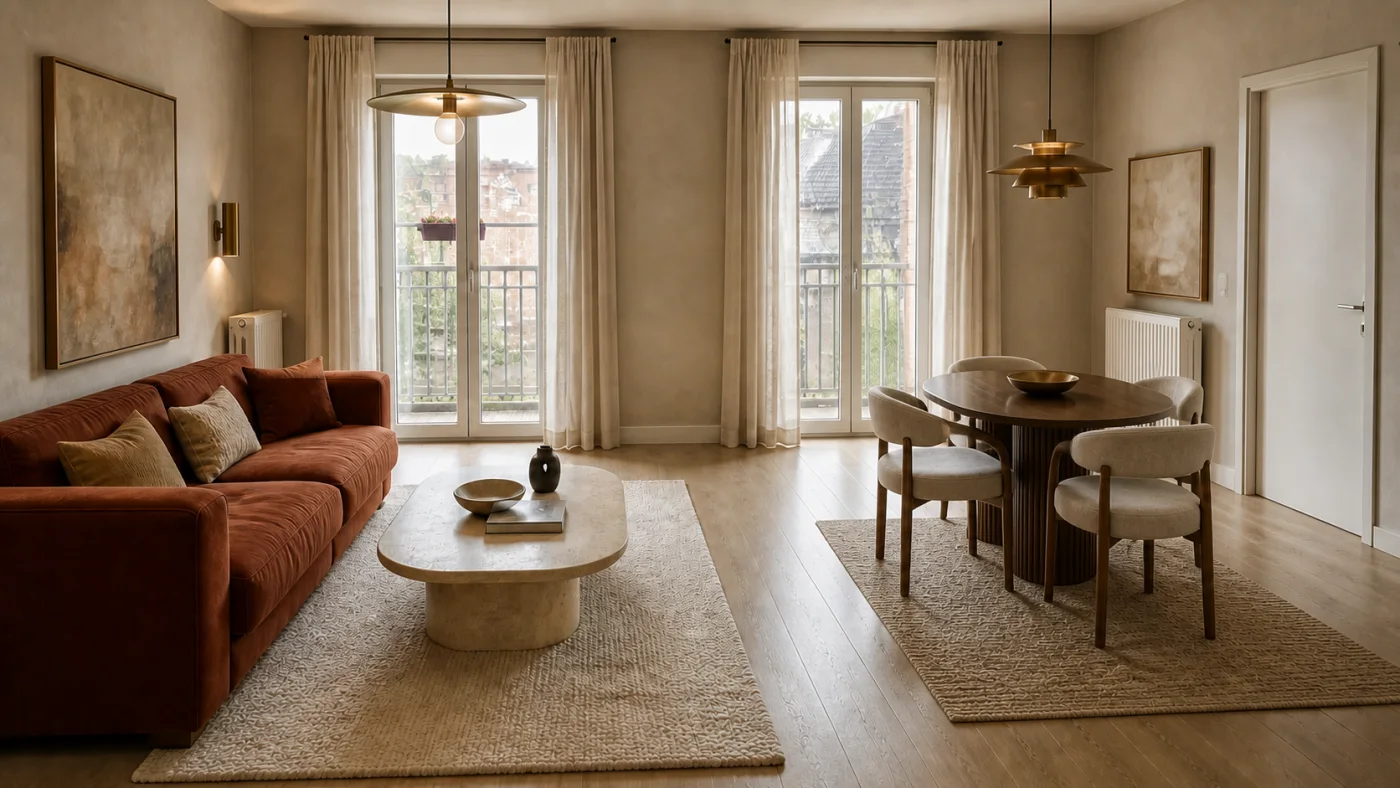
AI room design that keeps the layout
Use your photograph as the constraint and focus the concept on finishes, furniture language, textiles and light.
Interizo features
Start with the feature that matches the question: preserve the layout, control the ambition, compare a transformation or turn a concept into measured shopping research.
Use your photograph as the constraint and focus the concept on finishes, furniture language, textiles and light.
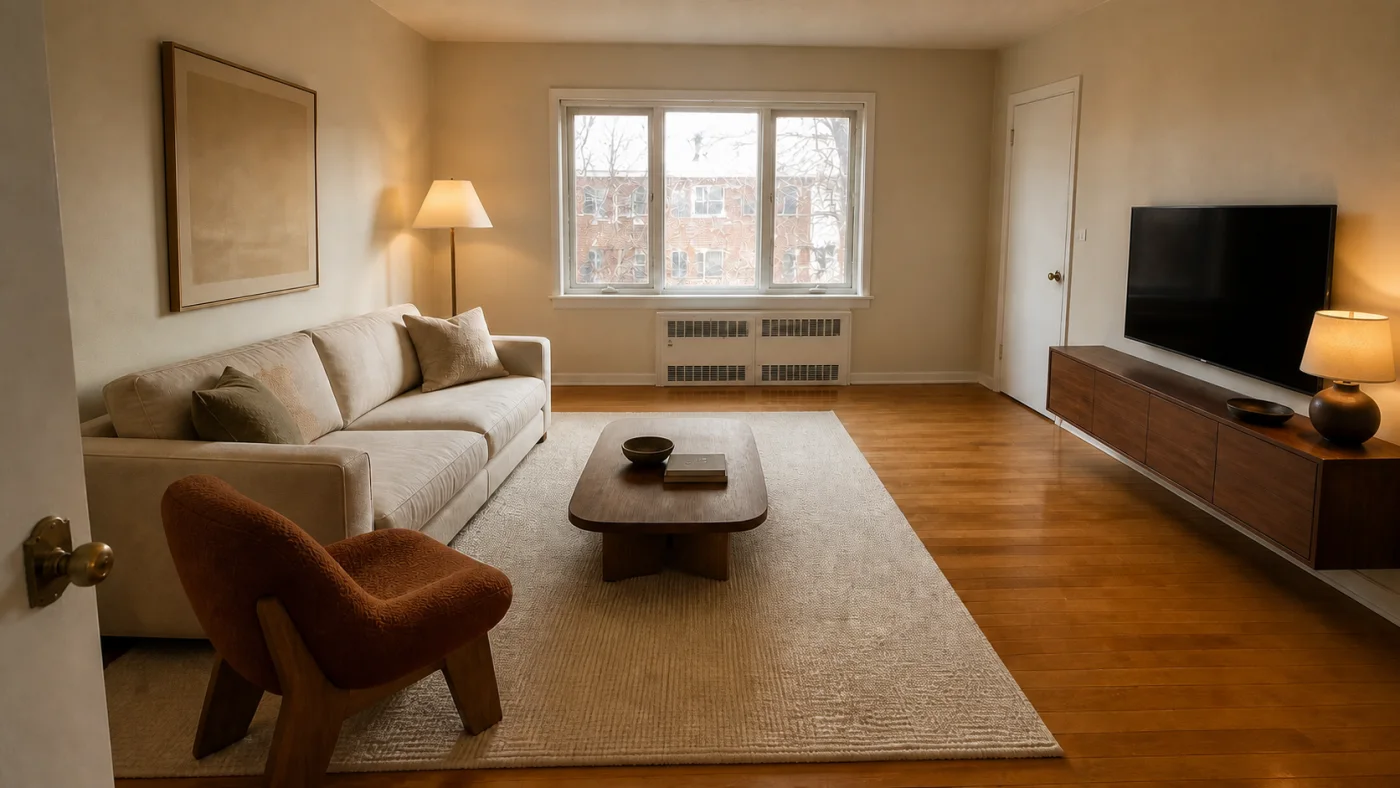
A dramatic after image is easy. A useful one survives comparison with the real doors, windows, walking routes and furniture scale.
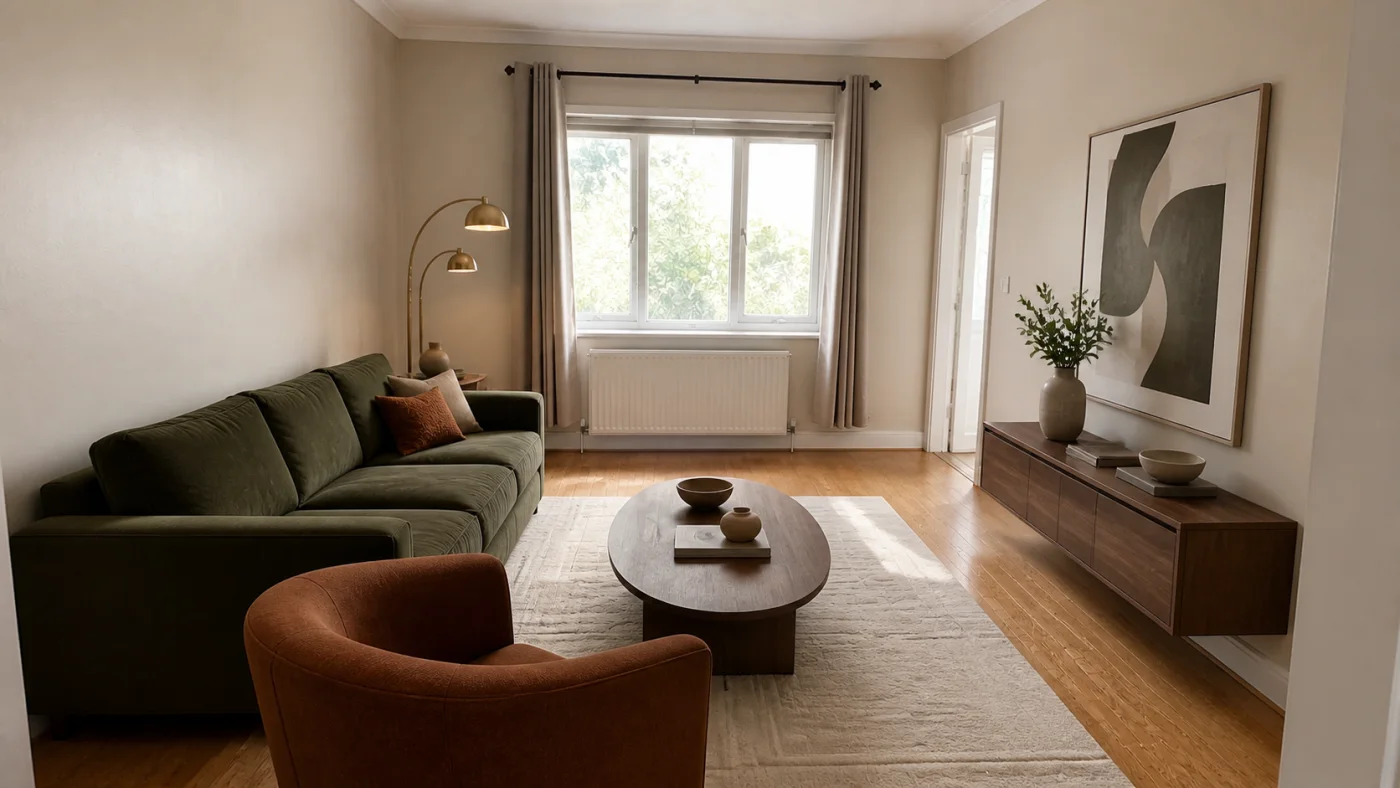
Generate the direction first, then use one optional credit to search for six current suggestions across the room’s major furniture categories.
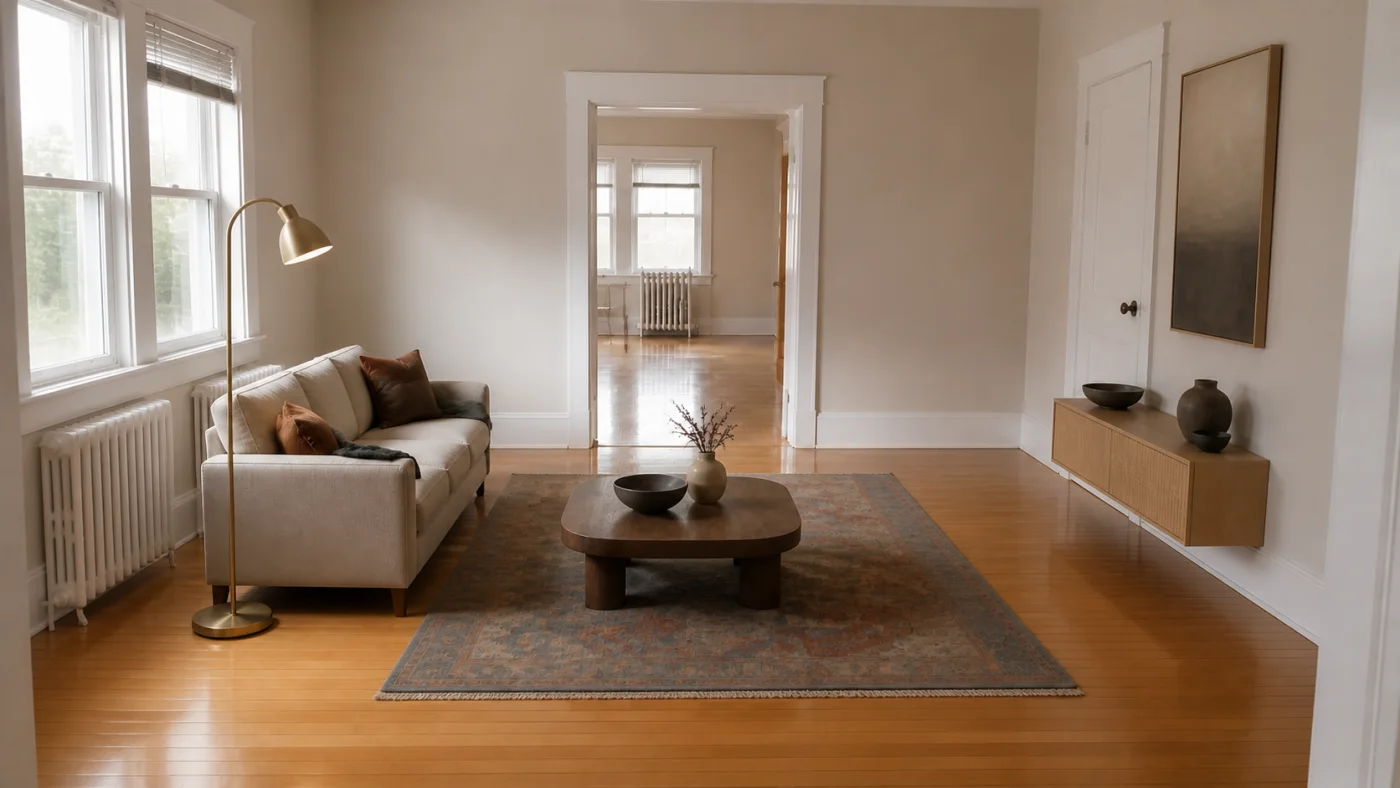
Start by deciding whether you want to identify a real item or find something similar to an AI concept. Image search can help with the first; a clear description, measurements and style-based suggestions help with the second.
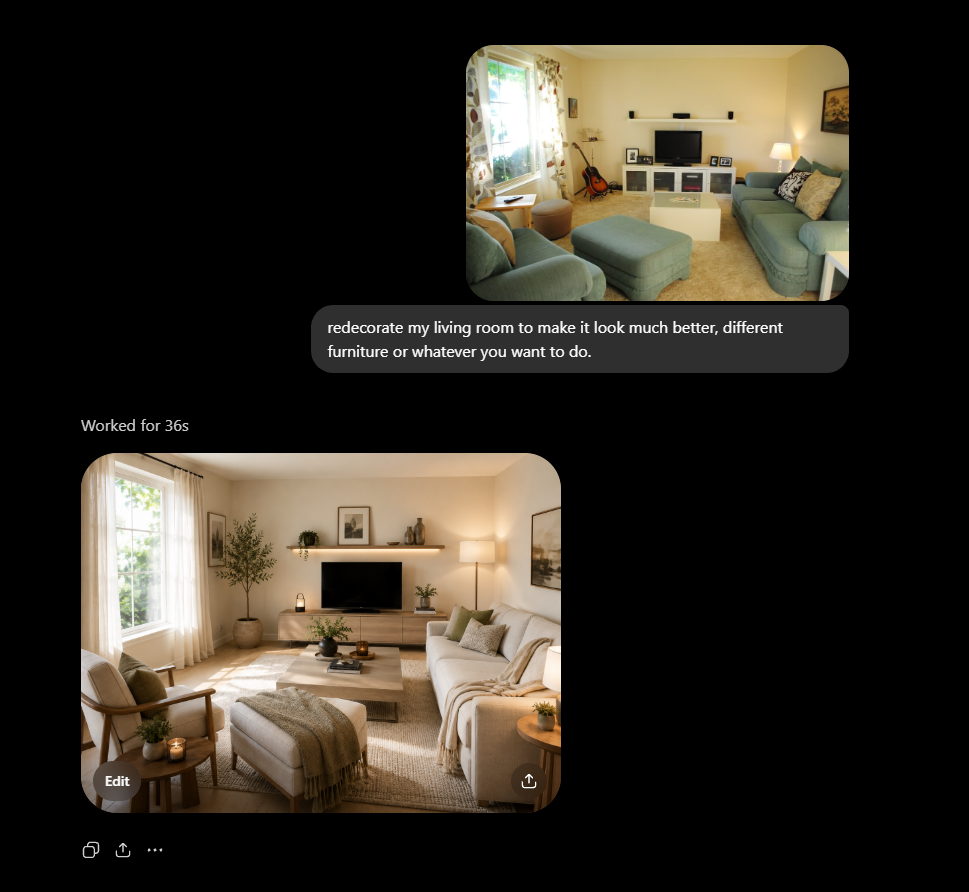
Interizo helps you test a complete visual direction in your real space—useful before shopping, decorating or deciding which idea deserves exact measurements.
The most useful generation begins with a constraint. Keeping the layout focuses attention on finishes and furniture language. A clear photograph and style choice give the redesign a coherent starting point. A before-and-after review separates an attractive image from a plausible direction.
No feature turns generated imagery into a measured plan or a live product specification. Use the result to choose a direction, then verify dimensions, services, safety, availability and price separately.
One full-quality room redesign uses one credit. Optional product-category research uses one additional credit.
The generation is instructed to preserve fixed architecture, but generated images can make mistakes. Compare every result with the source photo.
Not necessarily. Generated furniture may not exist, so verify products, dimensions, prices and availability separately.